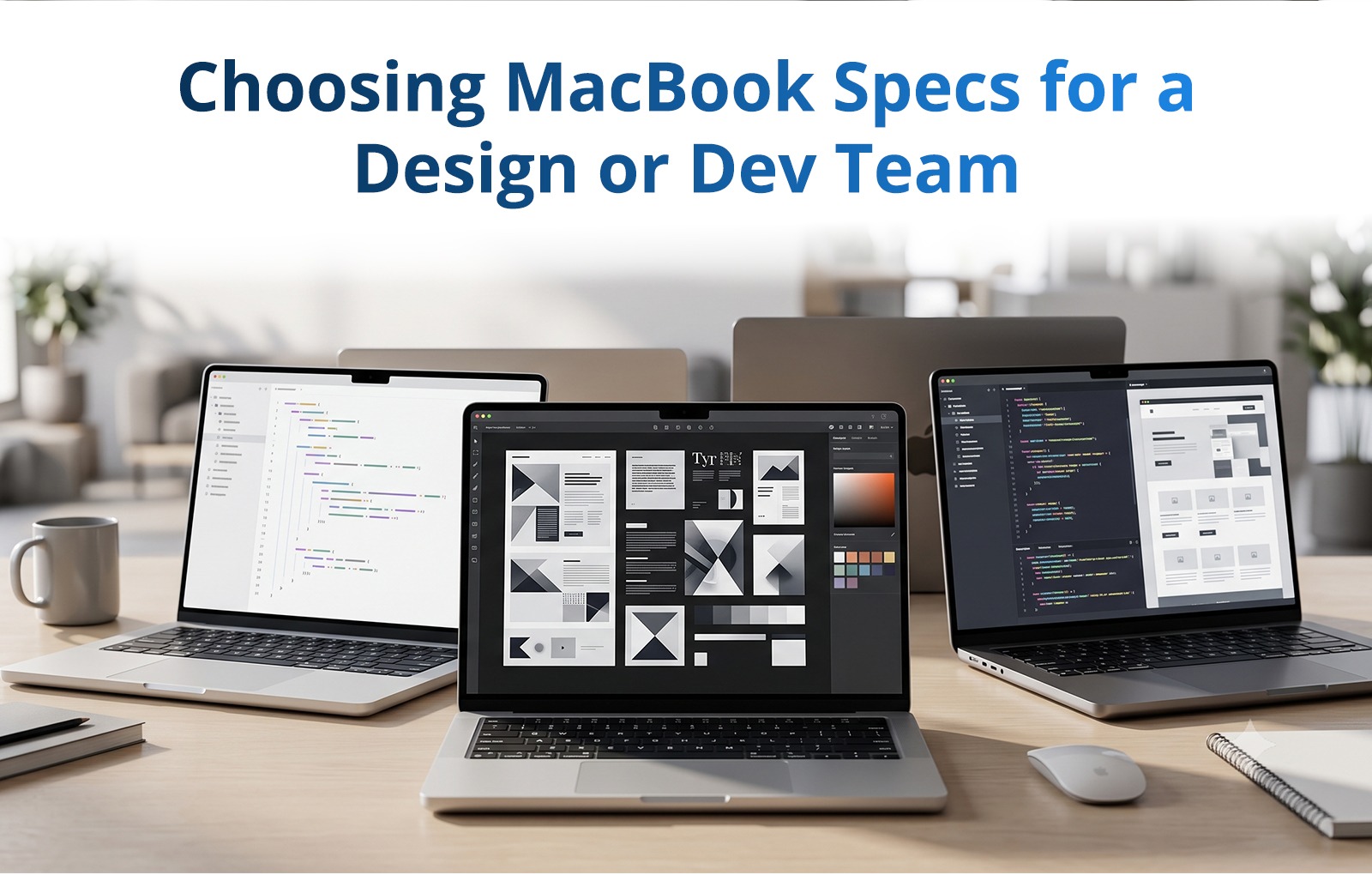
Choosing MacBook Specs for a Design or Dev Team
Specify for the tool, standardise for the team
Match chip, RAM and storage to the software your team uses the team actually runs, then order every machine the same. A team on one model is easier to support, easier to reason about, and produces work that behaves the same on everyone's desk.
Rentla is an independent rental company and not an Apple partner. This guide describes the hardware, not a manufacturer relationship.
What each kind of work actually stresses
Which component tends to bind first, by role
| RoleBinds firstWhy | ||
| UI / product design | RAM, display | Many artboards and browser tabs open at once; colour accuracy matters more than raw cores. |
| Motion & video | Cores, storage speed | Timeline scrubbing and export are throughput problems; large media needs fast local storage. |
| Frontend dev | RAM | Node softwares, watchers, browsers and a container or two coexist badly on low memory. |
| iOS / mobile dev | Cores, RAM | Compiles and simulators; build time is the daily cost. |
| Backend / data | RAM, storage | Local containers and datasets rather than sustained GPU load. |
| 3D / heavy render | GPU, cores, RAM | Often better served by a mobile workstation. |
Three that hold across teams
- Buy RAM, not storage. Memory cannot be worked around; external storage can. If a budget forces a trade, protect RAM.
- Spec for the heaviest routine task, not the worst-case one. Specifying for an annual render nobody runs weekly wastes the whole fleet's budget.
- Standardise even at some cost. A team on one model loses a little peak performance and gains predictable builds, one support path, and no internal hierarchy of who got the good machine.
Which models we hold is still being confirmed for publication. Describe the software your team uses on the call and you will get the real list rather than a category.
See MacBook rental for teams for batch orders, or MacBook rental for single units.
Frequently Asked Questions
Which brands and models do you have?
Can I rent MacBooks for a whole team?
Renting IT equipment in Chennai?
Laptops, MacBooks and workstations for teams and projects, delivered, set up and supported. Rent one or hundreds.